
Doğrulama merkezi
Telefon, e-posta, cihaz kamerası, profil fotoğrafı onayı ve manuel inceleme katmanları tek merkezde yönetilir.
Doğrulanmış üyeler · Gizlilik öncelikli · Türkiye
Modern, seçici ve güvenli ciddi eşleşme.
RendezSpot, hızlı kaydırma yerine günlük kürasyon, açık uyum sebepleri, güçlü doğrulama ve gerçek hayat buluşma güvenliği üzerine kurulu premium bir eşleşme deneyimidir.
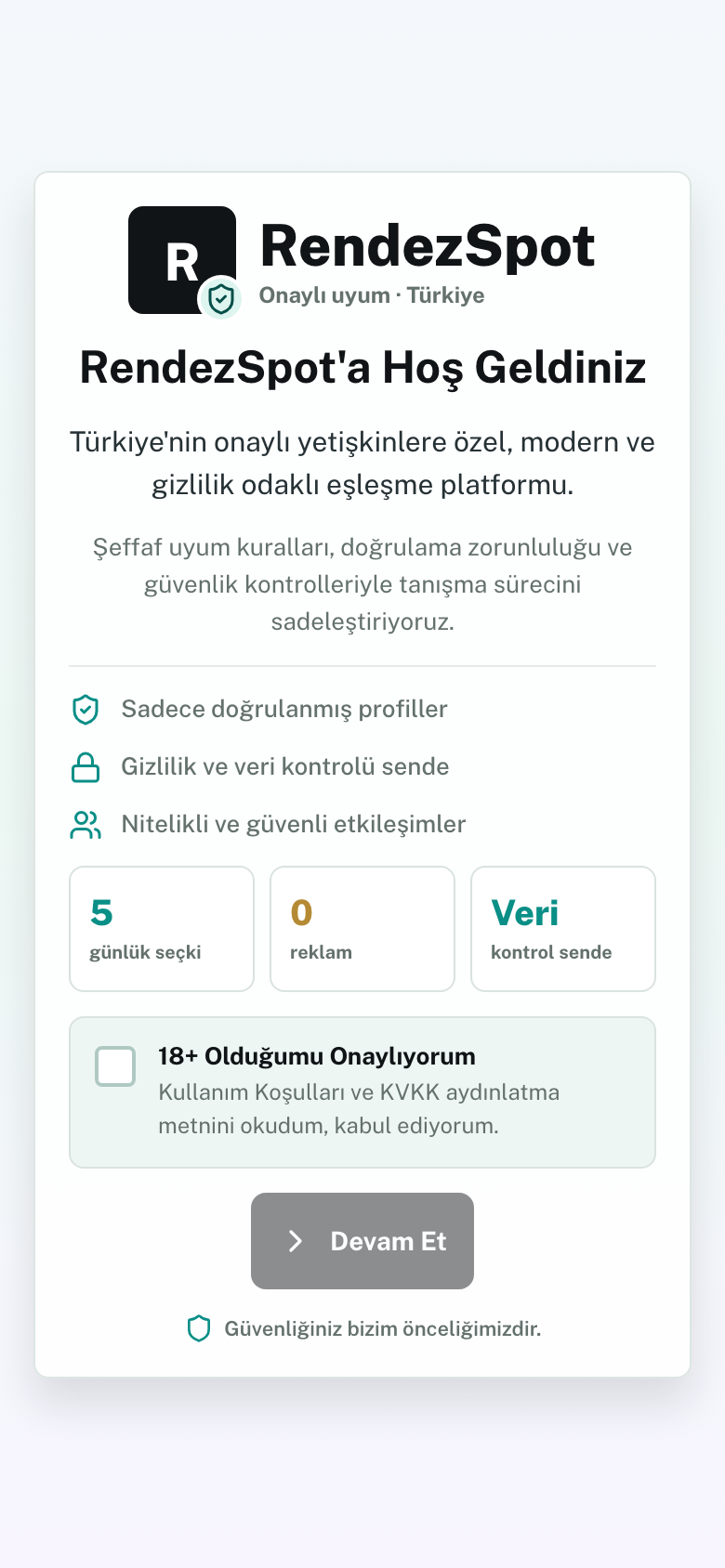
RendezSpot romantik sonucu garanti etmez. Ama tanışma sürecini daha doğrulanabilir, daha kontrollü ve daha saygılı hale getirir.
Telefon, e-posta, cihaz kamerası, profil fotoğrafı onayı ve manuel inceleme katmanları tek merkezde yönetilir.
18+ kapısı, KVKK rıza merkezi, ayrı profil fotoğrafı rızası ve hassas resmi kayıtların uygulama dışında kaldığı net güvenlik sınırı.
Çekirdek eşleşme vazgeçilmez sınırlar, ilişki niyeti, güvenlik sinyalleri ve geri bildirimle çalışır.
Kamusal mekan önerileri, uygunluk saatleri, güvenilir kişi paylaşımı ve kontrol zamanlayıcısı tek akışta.
Dolandırıcılık, taciz, erken iletişim paylaşımı ve finans baskısı sinyalleri için uyarılar, rapor etme, engelleme ve eşleşmeyi kaldırma akışları.
Admin tarafında doğrulama kuyrukları, raporlar, itirazlar, risk panosu, RBAC/2FA ve denetim kayıtları.
Buluşma günü
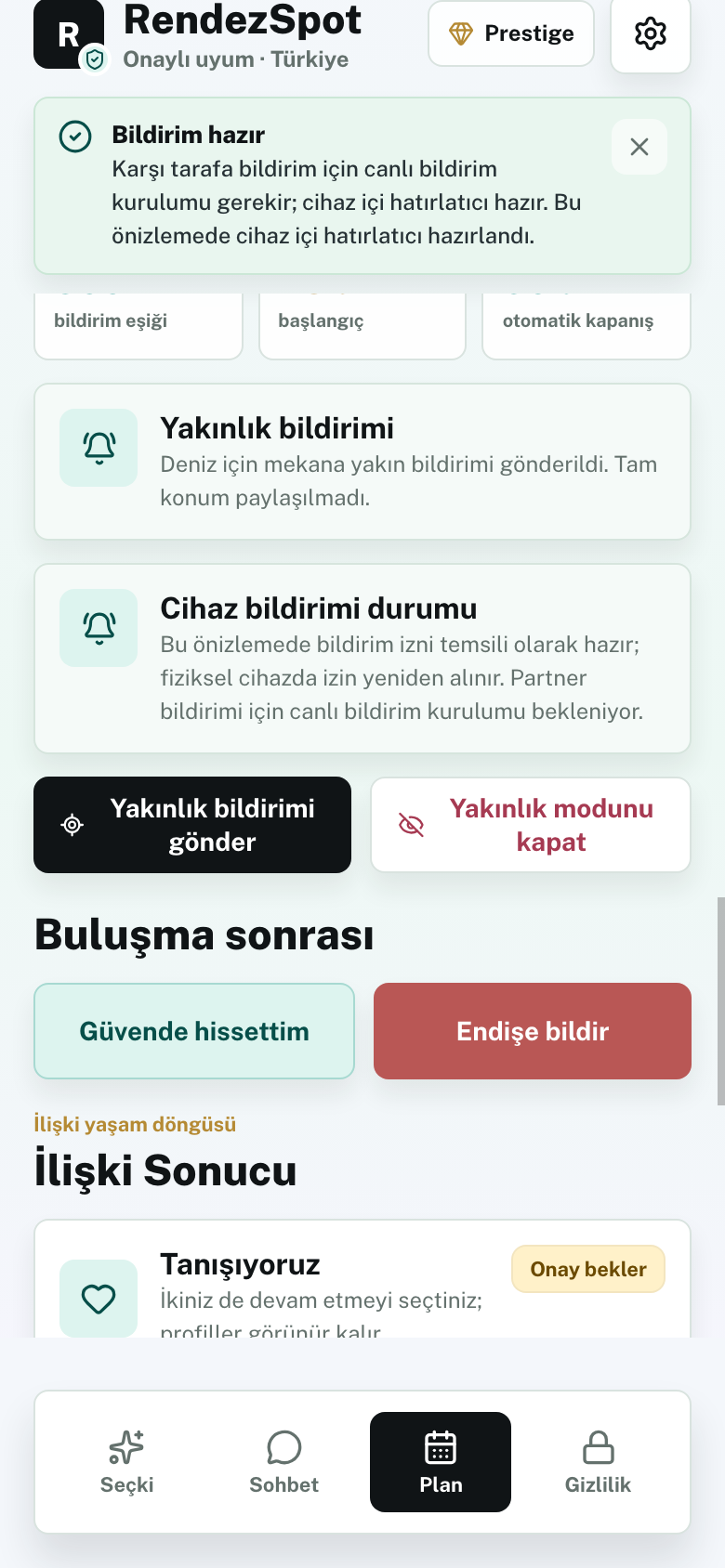
İki taraf kamusal mekana yaklaştığında uygulama karşı tarafı bilgilendirir. Tam konum paylaşılmadan, mekan çevresinde birbirinizi bulmanıza yardım eden pusula rehberi devreye girer.
Bu özellik güvenliği garanti etmez. İlk buluşmalar için kamusal mekan, güvenilir kişi paylaşımı ve zamanında güvenlik kontrolü önerilir.
RendezSpot daha az profili, daha fazla bağlamla gösterir.
18+ onayı, telefon/e-posta kodu, KVKK rızaları, profil fotoğrafları, profil soruları ve vazgeçilmez sınırlar tamamlanır.
İlişki niyeti, değerler, yaşam ritmi, konum aralığı, güvenlik sinyalleri ve geri bildirimler birlikte değerlendirilir.
Özel sohbet, kamuya açık mekan önerisi, uygunluk seçimi, güvenilir kişi paylaşımı ve buluşma sonrası geri bildirim ile süreç kapanır.
Amaç herkese sonsuz profil göstermek değil; doğrulanmış ciddi üyeleri kontrollü şekilde tanıştırmak.
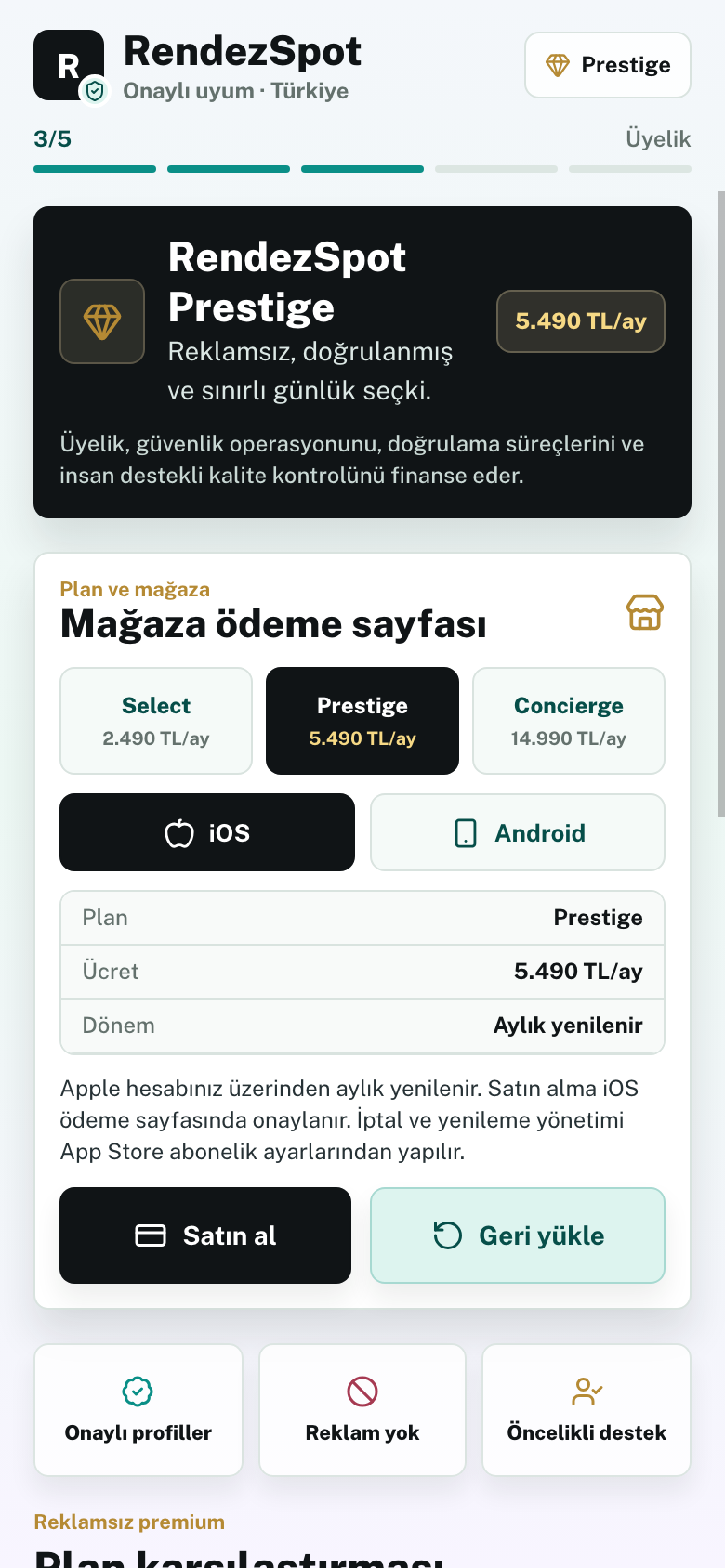
Günlük sınırlı seçki, temel doğrulama, özel sohbet ve veri kontrol akışları.
Gelişmiş doğrulama, güçlü güvenlik kontrolleri, daha yüksek kürasyon önceliği ve buluşma planlama araçları.
Manuel profil inceleme, daha dar seçki, premium destek ve gerçek hayat planlama desteği.
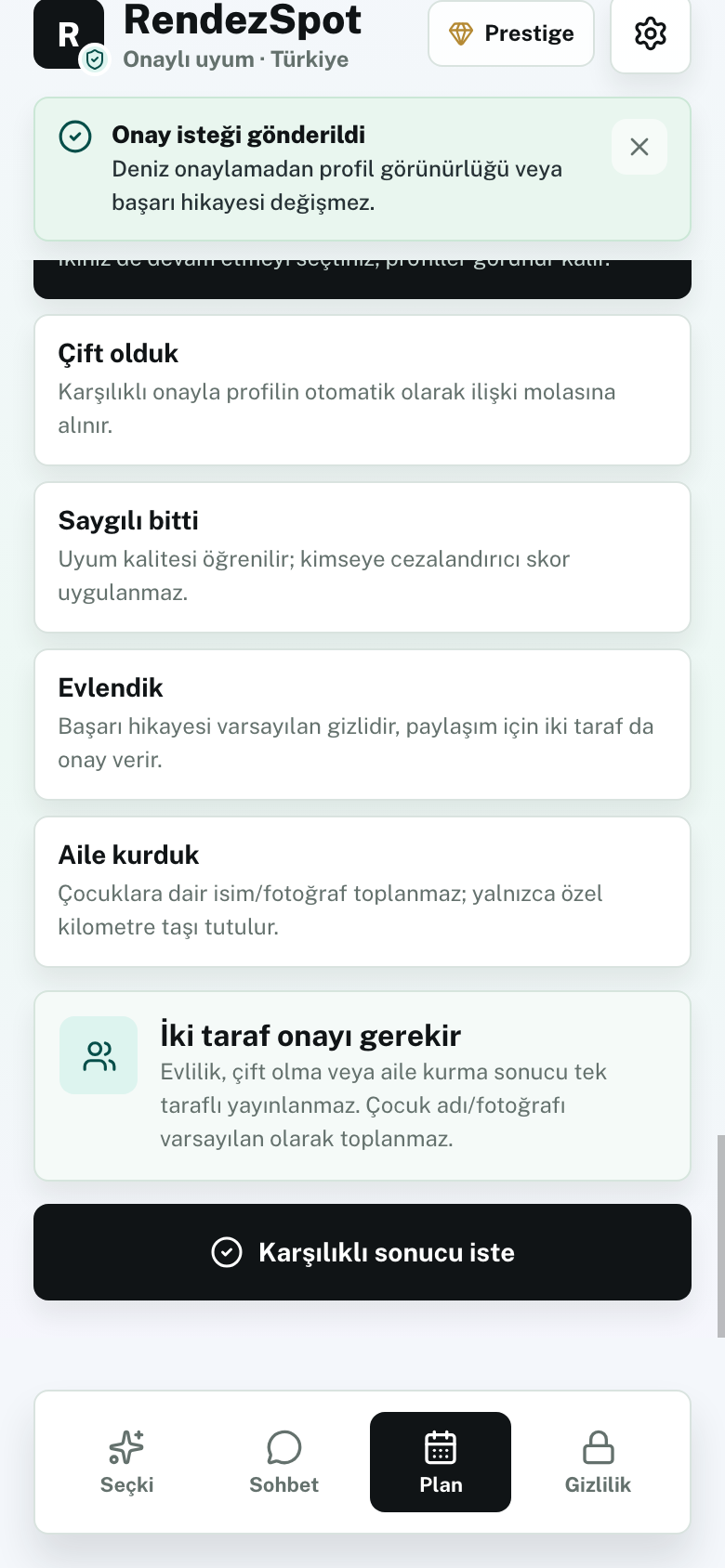
Sonuç öğrenimi
Üyeler isterse ilişki sonucunu işaretler. Sistem saygılı bitişleri cezalandırmaz, çocuklara dair isim/fotoğraf toplamaz ve kullanıcı içgörülerini düzenleme ya da silme hakkı verir.
Hayır. Sonsuz profil akışı, reklam veya hızlı beğeni ekonomisi yerine doğrulama, günlük seçki, uyum açıklaması ve güvenli buluşma planı üzerine kurulur.
Hayır. Çekirdek eşleşme kurallar, vazgeçilmez sınırlar, uyum sinyalleri ve geri bildirimle çalışır; opsiyonel destekler açıklanabilir ve kapatılabilir sınırlar içinde tutulur.
Hayır. RendezSpot v1 hassas resmi kayıt sonucunu okumaz, yükletmez, saklamaz, rozetlemez, sıralama sinyali yapmaz ve kayıt kararında kullanmaz. Böyle bir kontrol kullanıcının kendi resmi kanalları dışında kalır.
Abonelikler Apple App Store, Google Play veya onaylı abonelik altyapısı üzerinden yönetilir. Yenileme ve iptal metinleri satın alma ekranında açık gösterilir.
RendezSpot lansmana hazırlanıyor. Üretim hesabı, yasal inceleme ve mağaza onayları tamamlanmadan App Store veya Google Play'e gönderim yapılmayacak.